Skyexchange login hero banner showing a mobile account login interface in a black and gold sports stadium

Skyexchange Login

Skyexchange Login refers to the process of accessing an existing Skyexchange account using its registered login credentials. Users searching for account access may need help understanding their login ID, password, sign-in steps, account recovery or common login problems.

This independent guide explains how login credentials work, what to check when Skyexchange login is not working, and how to protect your account from suspicious websites and unauthorized access. Before entering personal information, verify the intended website and use only an account-access channel you trust.

Already have an account? Follow the verified sign-in instructions provided by your account operator. Never share your password or one-time verification codes with unknown contacts.

[ Login to Skyexchange ]

Skyexchange Login: What You Need to Know

Before attempting a Skyexchange login, make sure you have the correct account identifier and the authentication details associated with your account. Depending on the service, these may include a username, password or an additional verification step.

Check the full website address carefully before entering credentials. A familiar logo or similar-looking domain name does not establish that a website is legitimate. If you cannot identify the correct login destination, confirm it through independently verified account documentation or support channels.

How to Access Your Skyexchange Account

If you already have an account, the general login process is simple:

1. Open the Authorized Login Page

Use the account-access address confirmed by your service provider. Check the full domain name and avoid unfamiliar links from unsolicited messages.

2. Enter Your Login Credentials

Enter the username, login ID or other identifier associated with your account, followed by your password. Never enter credentials into an unverified website.

3. Review Your Information

Check for typing errors, incorrect capitalization and unnecessary spaces. Avoid repeated attempts if the system reports incorrect credentials.

4. Complete the Sign-In Process

Select the login option and complete any additional authentication required by the service. Keep one-time verification codes confidential.

5. Protect Your Account Session

After signing in, avoid sharing account access, use trusted devices and log out when finished, especially on shared computers.

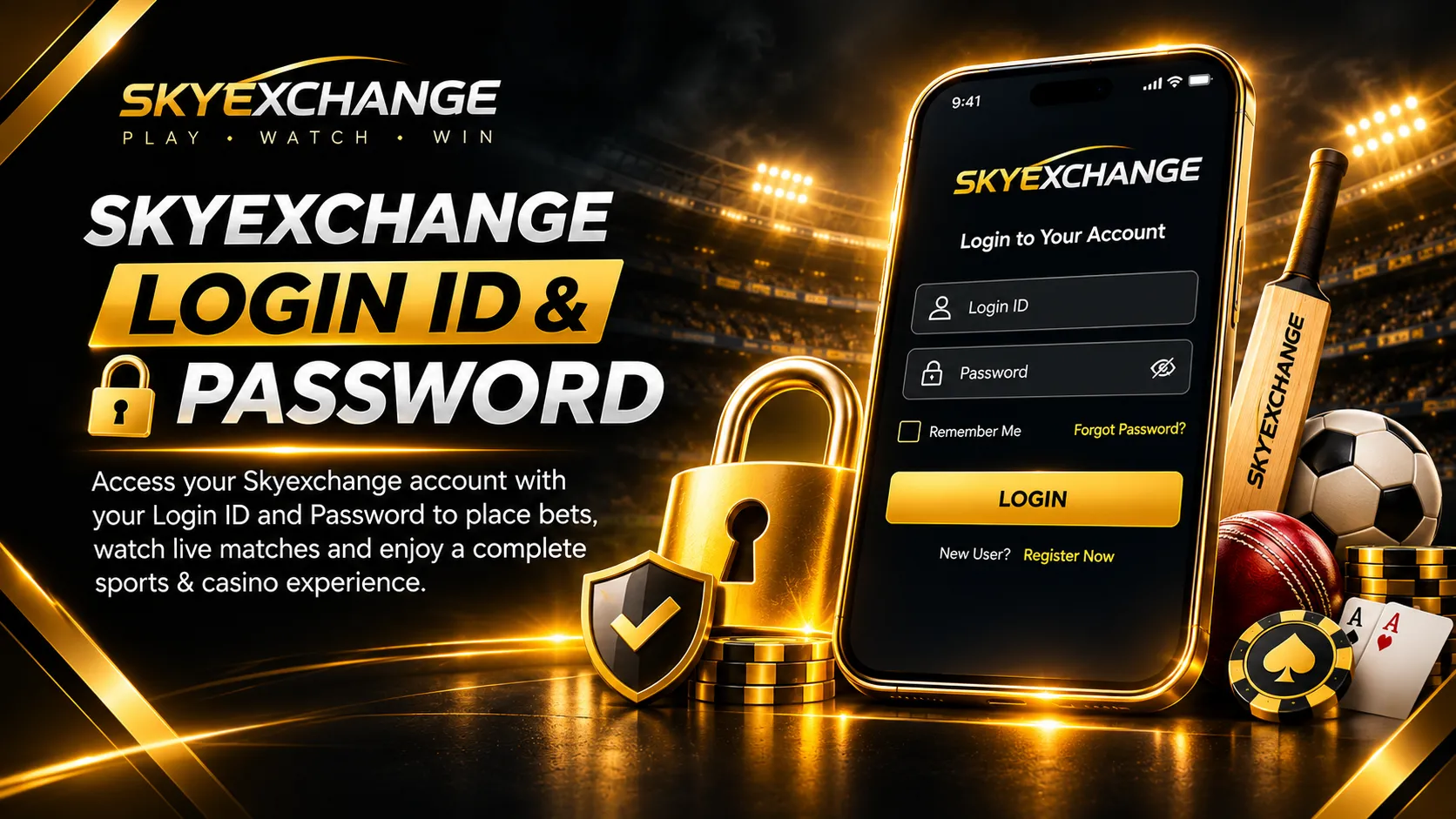
Skyexchange Login ID and Password

A Skyexchange Login ID is the username or account identifier associated with an existing account, while a password is a confidential credential used to help verify access. These details serve different purposes and should not be confused with one-time verification codes or account-recovery information.

Keep your login ID and password secure, use a unique password where supported, and avoid sharing sensitive account details through social media or unknown messaging contacts. If you forget your credentials, follow the verified recovery procedure associated with your account rather than trusting unofficial recovery offers.

Skyexchange Login ID and Password banner showing login ID and password fields on a mobile screen

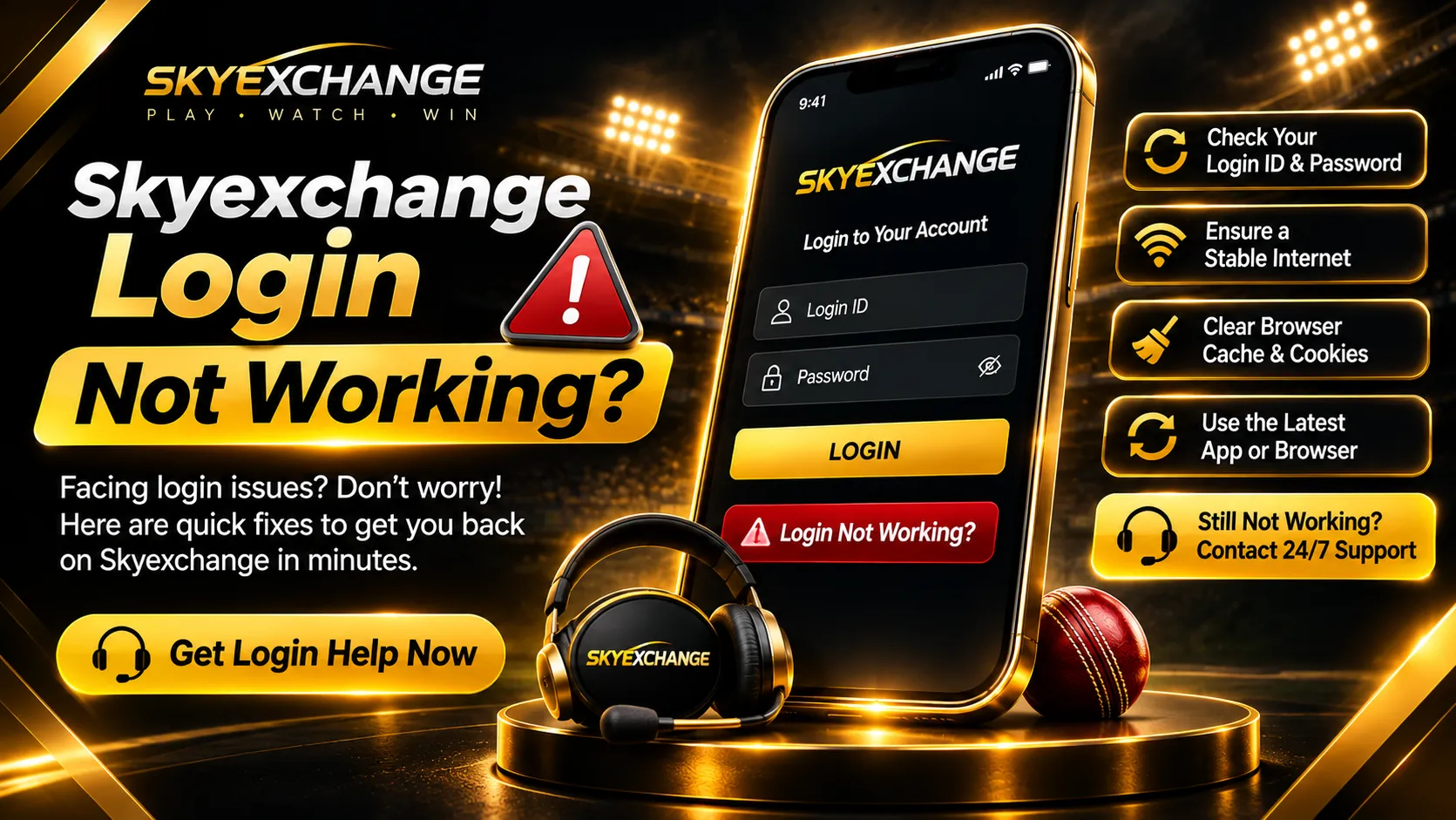
Skyexchange Login Not Working?

If your Skyexchange login is not working, the problem may involve incorrect credentials, an expired session, browser settings, connectivity issues or temporary service availability.

Start with these checks:

  • Confirm that your login ID or username is correct.

  • Re-enter your password carefully and check capitalization.

  • Check your internet connection and try refreshing the page.

  • Update your browser or clear site-specific cache if necessary.

  • Avoid repeated unsuccessful login attempts that could trigger a temporary account restriction.

  • If the website appears suspicious, stop entering credentials and verify the domain.

  • Use the account operator’s verified recovery or support process if the problem continues.

Never disclose your password or verification codes to someone claiming they can restore account access.

Skyexchange login not working graphic with mobile login error and troubleshooting checklist

Forgot Your Skyexchange Login Details?
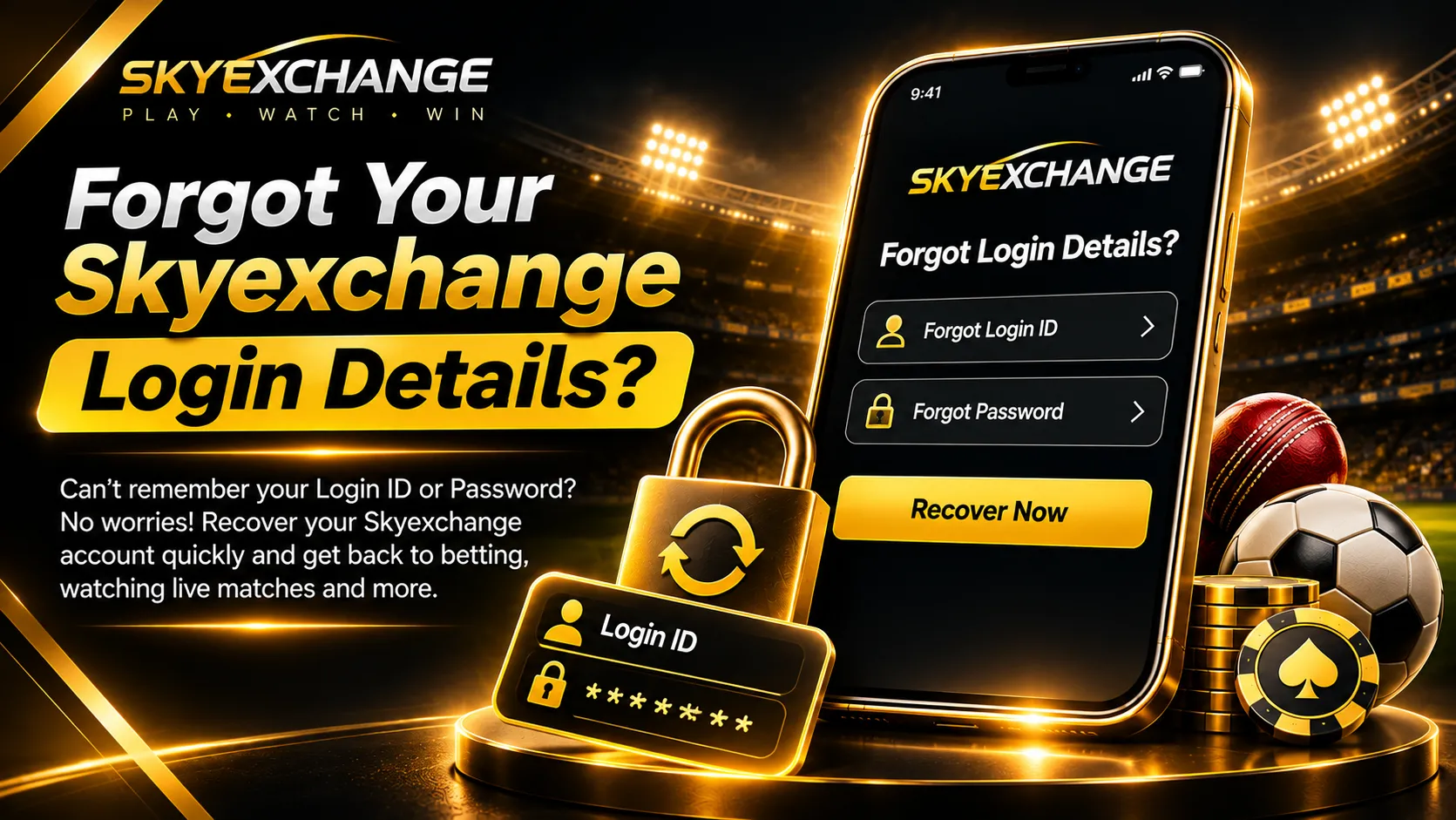
If you have forgotten your Skyexchange login ID or password, first check whether your account provider offers a verified password-reset or account-recovery process. Depending on the service, recovery may require confirming your registered contact details or completing an identity-verification step.

Follow only the instructions provided through a trusted account channel. Avoid submitting passwords, OTPs or recovery codes to unfamiliar websites or individuals. If no recovery option is available, contact the operator through independently verified support information and ask about the appropriate account-access procedure.

Skyexchange forgot login details illustration showing login ID and password recovery options

Skyexchange Login Security Tips

Account security should be a priority whenever you access an online account.
Follow these basic practices:

Use Your Own Credentials

Never use another person's login details, and never allow another person to use your account credentials.

Keep Your Password Private

Your password should remain confidential. Legitimate support representatives should not require you to publicly disclose your password.

Avoid Unknown Login Links

Be cautious with login links received through unsolicited messages, advertisements, social media accounts, or unknown websites.

Check the Website Before Signing In

Before entering your username or password, carefully verify that you are using the intended and authorized website.

Use Secure Devices

Whenever possible, access your account from a trusted device and secure internet connection.

Log Out on Shared Devices

If you access your account from a shared computer or device, log out after completing your session.

What to Do If You Suspect Unauthorized Account Access

If you notice unfamiliar account activity or suspect that someone else has accessed your Skyexchange account, use the verified account-security or support process immediately. Change your password through a trusted account channel if the option is available, review active sessions and avoid sharing personal information or verification codes with unknown contacts.
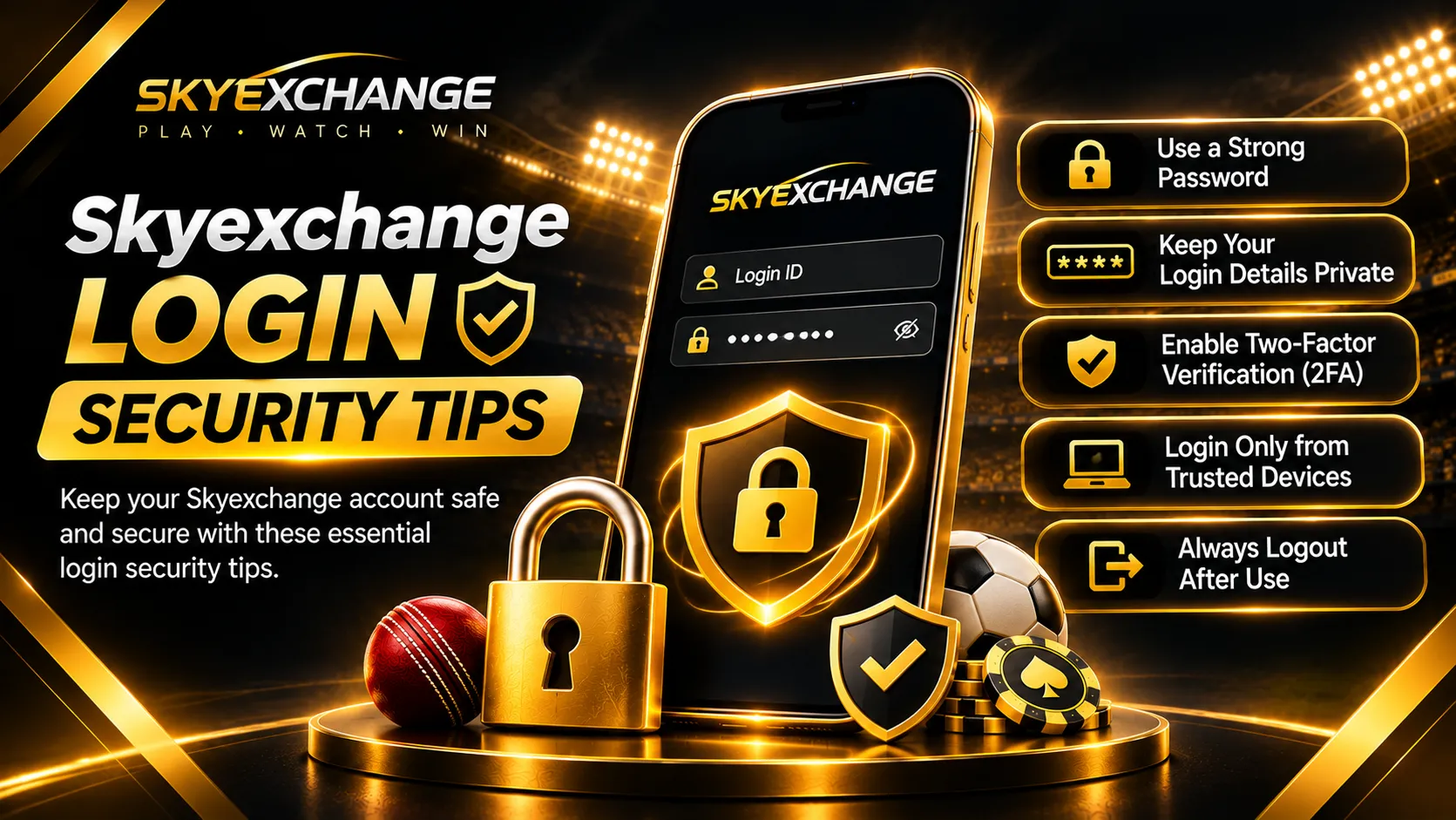
Skyexchange login security tips infographic showing six ways to protect login credentials and account access

Skyexchange Login vs Skyexchange Registration
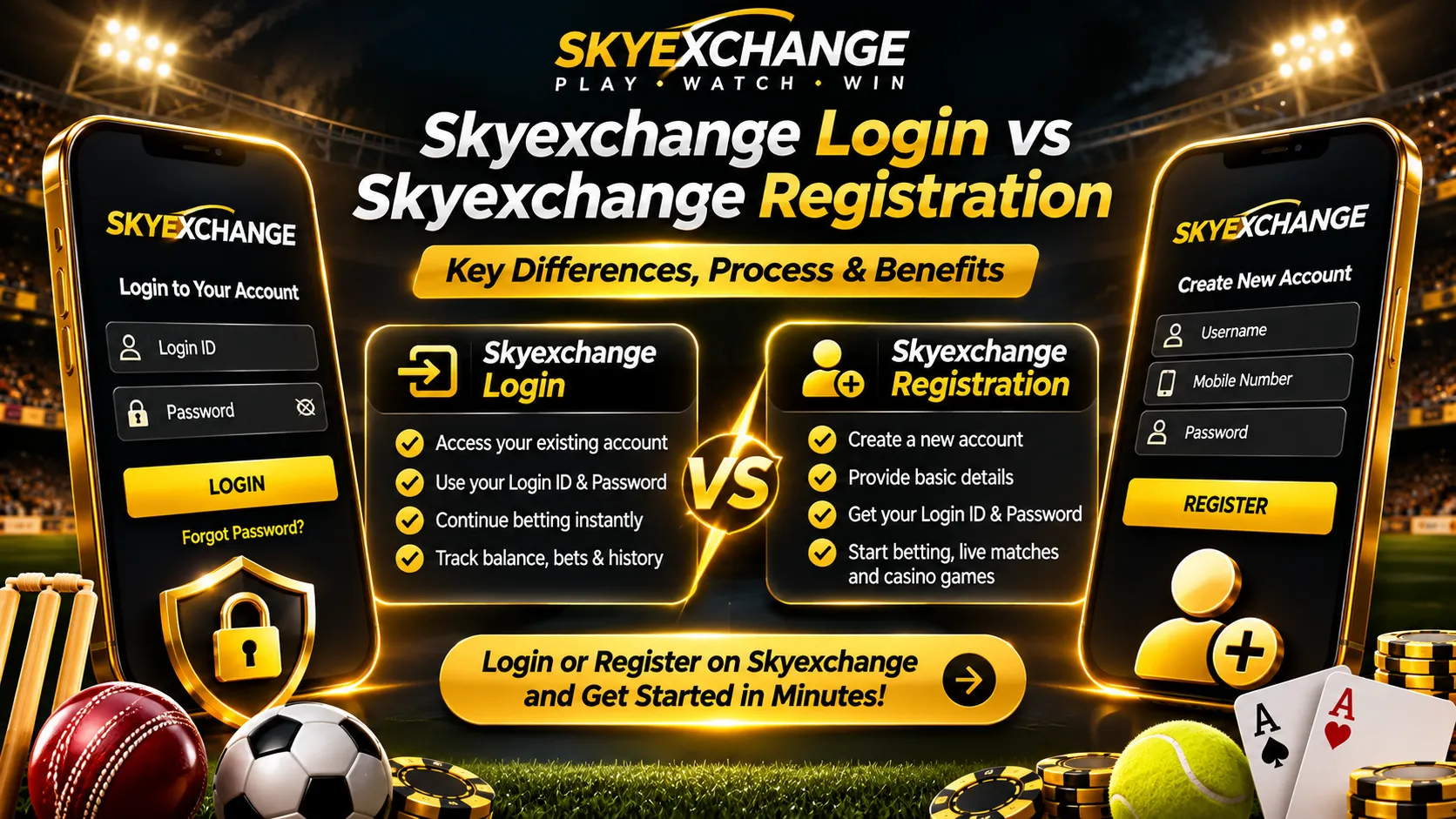
Skyexchange Login and Skyexchange Registration serve different purposes. Login is the process existing account holders use to access an account with their credentials. Registration refers to the process of requesting or creating a new account, subject to the relevant service’s requirements.

If you already have an account, you generally need the login process rather than another registration. New users should first review the operator’s identity, eligibility requirements, privacy policy and applicable restrictions before submitting personal information.

Skyexchange login versus registration infographic comparing existing account sign-in and new account signup

Important Information Before Using Your Account

Online betting and gaming services may be subject to different laws, regulations, age restrictions, and availability requirements depending on the user's location. Before using any such service, users should independently verify whether it is legally available to them and comply with all applicable laws and age requirements. If betting or gaming is permitted where you are located, use the service responsibly and never spend money you cannot afford to lose.

Frequently Asked Questions About Skyexchange Login

What is Skyexchange Login?

Skyexchange Login refers to the account-access process for existing users. Users with an existing account can use their authorized credentials to sign in.

Open the authorized Skyexchange login page, enter your registered login credentials, verify the information, and select the login option.

A Skyexchange Login ID is the username or account identifier associated with a user's account and used as part of the account-access process.

First check your login ID, password, internet connection, and browser. If the issue continues, use the authorized account-recovery or support process.

Use the official account recovery process if one is available. Never give your password or verification code to an unknown person claiming to recover your account.

No. Login credentials should remain private. Avoid sharing passwords, verification codes, or other sensitive account information with third parties.

Explore Related Skyexchange Information

For users looking for additional information, explore the relevant sections of the website:

  • Skyexchange ID — Learn about Skyexchange account IDs and related account information.
  • Skyexchange Registration — Information about creating an account for eligible users.
  • Skyexchange WhatsApp — Information about available official communication channels.
  • Skyexchange Cricket — Information related to cricket and the platform.
  • Skyexchange IPL — Information related to IPL-related searches and content.
  • Skyexchange Official — Information intended to help users identify authorized Skyexchange information.
  • Skyexchange Betting — General information about betting-related services and responsible use.

Final Thoughts on Skyexchange Login

The Skyexchange login process is primarily about accessing an existing account using the appropriate credentials. A smooth login experience begins with using the correct access page and entering accurate account information. Always protect your login credentials, avoid suspicious links, and use authorized support or account-recovery channels when assistance is required. Most importantly, make sure that any online betting or gaming activity is legal and permitted in your location, follow applicable age requirements, and use such services responsibly.
[ Access Skyexchange Login ]

Scroll to Top
Get skyexchange ID Now